Table of Contents
Introduction
Choosing the right device for IPTV in 2025 can make or break your streaming experience. Two of the most popular options in the UK are IPTV boxes and Amazon Firestick. While both devices support high-quality IPTV streaming, they offer different advantages depending on your budget, tech comfort, and viewing needs. In this blog, we’ll break down the key differences and help you decide which is the best device for your IPTV setup in 2025.
Why Your IPTV Device Matters
Streaming IPTV isn’t just about the provider — your device plays a major role in picture quality, app performance, speed, and stability. Whether you’re watching live sports or binging series from your IPTV subscription, having the right setup is essential.
In 2025, more UK users are switching to devices that offer 4K support, multi-app capability, and smoother IPTV navigation. According to TechRadar (opens in a new tab, nofollow), IPTV performance can vary significantly depending on the hardware powering your stream.
What Is an IPTV Box?
An IPTV box is a dedicated Android-based device designed specifically to run IPTV apps. Most IPTV boxes connect via HDMI and come pre-loaded with IPTV software or apps like TiviMate, XCIPTV, or IPTV Smarters Pro.
✅ Pros of IPTV Boxes:
- Built-in Ethernet ports for stable IPTV streaming
- Better app performance with faster processors
- Full Android OS for sideloading custom IPTV apps
- Remote controls with IPTV-specific functions
- Expandable storage for recording IPTV content
❌ Cons:
- Slightly more expensive than a Firestick
- Less beginner-friendly for first-time IPTV users
- Bulky compared to Firestick
What Is a Firestick?
The Amazon Firestick is a portable streaming device that plugs into your TV’s HDMI port. It’s affordable, compact, and works well with IPTV apps — especially when sideloaded properly.
✅ Pros of Firestick for IPTV:
- Affordable for students and budget users
- Compact and easy to use
- Supports all major IPTV apps
- Great 4K version available (Firestick 4K Max)
- Fast setup — works straight out of the box
❌ Cons:
- No Ethernet port (unless using adapter)
- May lag if overloaded with background apps
- More limited settings than IPTV boxes
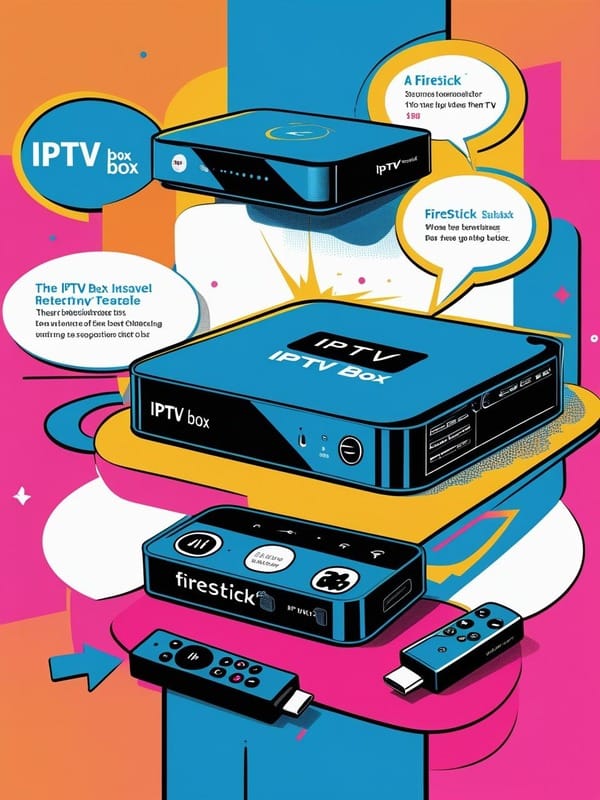
Performance: IPTV Box vs Firestick
IPTV App Support:
Both devices run IPTV Smarters, TiviMate, and XCIPTV. However, IPTV boxes usually allow more advanced customization.
Streaming Quality:
IPTV boxes often offer smoother 4K playback with fewer crashes, especially when connected via Ethernet. Firesticks are reliable but might struggle with larger IPTV playlists or 4K streams over weak Wi-Fi.
Device Stability:
IPTV boxes have faster processors and more RAM. Firesticks can sometimes overheat or slow down after long IPTV sessions.
Portability:
Firestick wins here — you can carry it anywhere and plug it into any TV. IPTV boxes are better for fixed, home-based IPTV setups.
Best IPTV Boxes in 2025
- Formuler Z11 Pro Max – Top-tier IPTV box with fast boot times and 4K clarity
- MAG 524w3 – Great for traditional IPTV with built-in middleware support
- BuzzTV X5 – User-friendly and works great with UK IPTV services
- Ugoos X4 Pro – Custom Android features for advanced IPTV users
Best Firestick Models in 2025
- Firestick 4K Max (2025 Edition) – Great for IPTV with faster processor
- Firestick Lite – Budget option but may lag with IPTV-heavy use
- Fire Cube 3rd Gen – Premium version with more power and voice features
Final Verdict: IPTV Box or Firestick?
Choose an IPTV Box if:
- You want top performance and stability
- You stream IPTV daily for hours
- You need Ethernet and advanced settings
- You use premium IPTV services with large channel lists
Choose Firestick if:
- You’re a beginner or student
- You want something affordable and portable
- You watch IPTV casually
- You prefer app simplicity over customization
Both options will give you access to great IPTV content in 2025 — it just depends on how deep into IPTV you want to go.